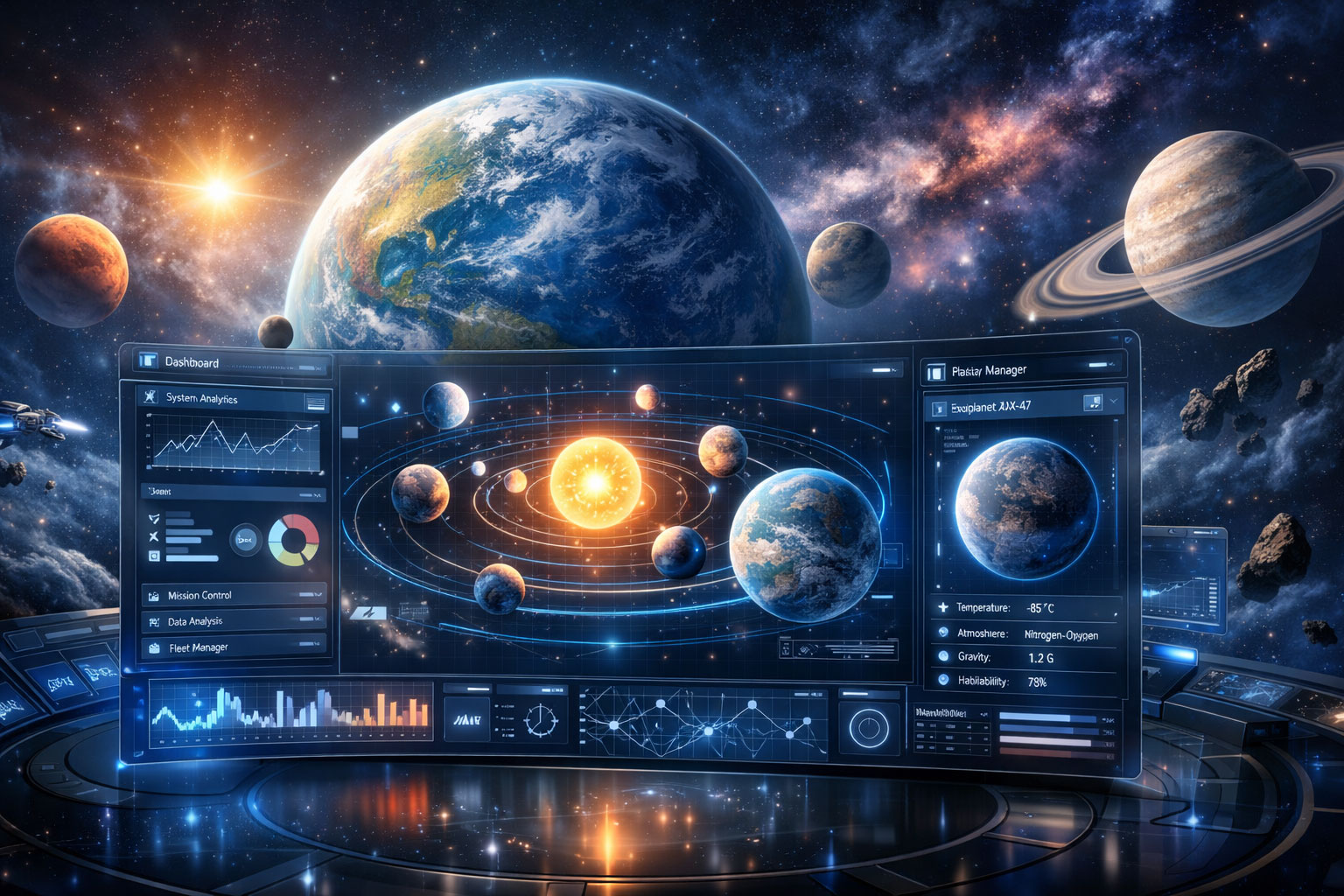
Space Visualization Tools
Classic freeware utilities for exploring celestial bodies
Classic Freeware Utilities and Visualisers
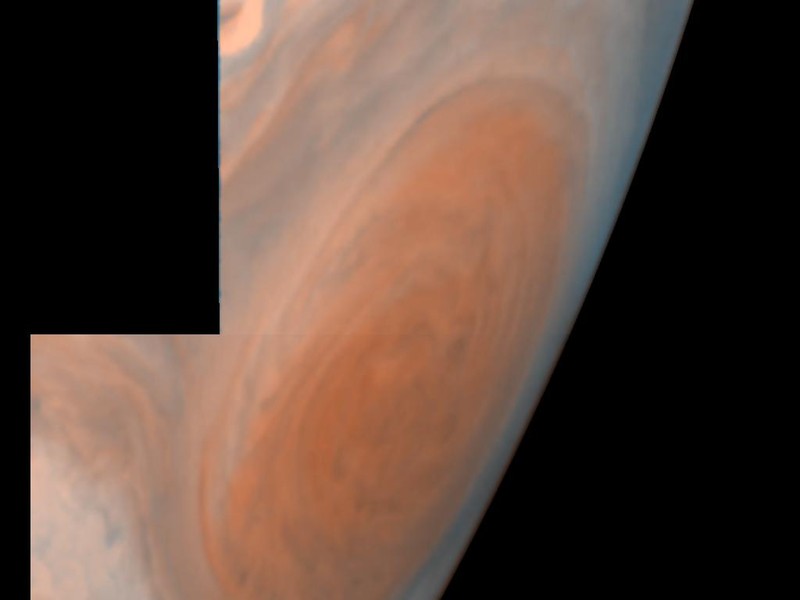
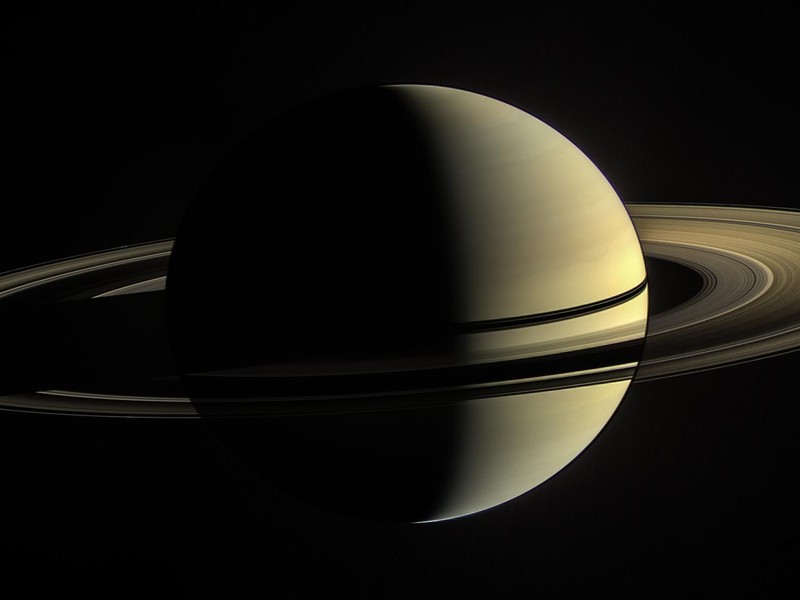
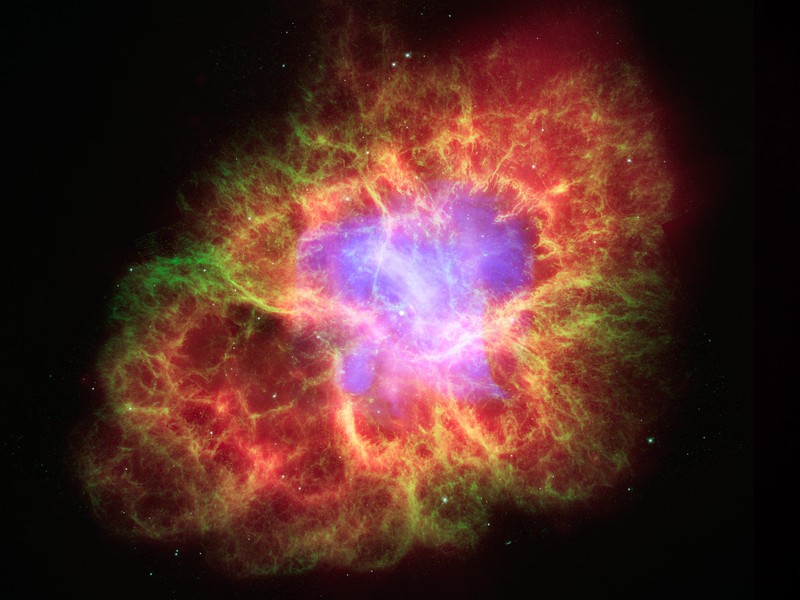
This collection documents classic freeware space visualization tools designed for educational and recreational use. Each utility provides real-time 3D rendering of celestial bodies, allowing users to explore planets, moons, and other space phenomena from their desktop.
These tools were developed for Windows systems and utilize OpenGL or DirectX for hardware-accelerated graphics. While originally targeting older Windows versions, many remain functional on modern systems with compatibility settings.
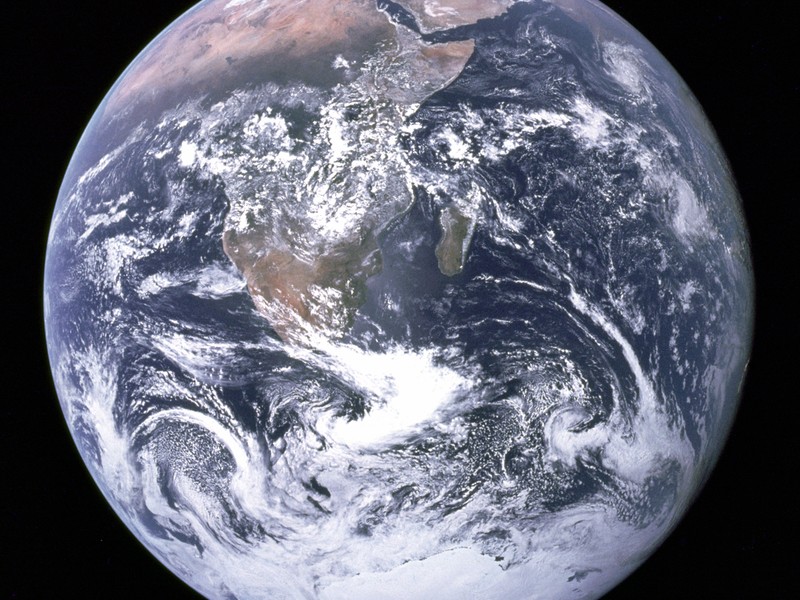
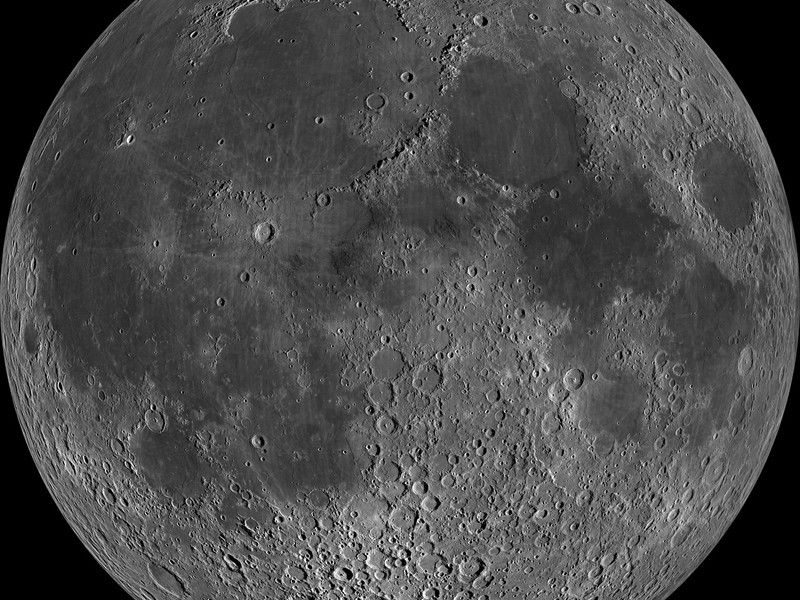
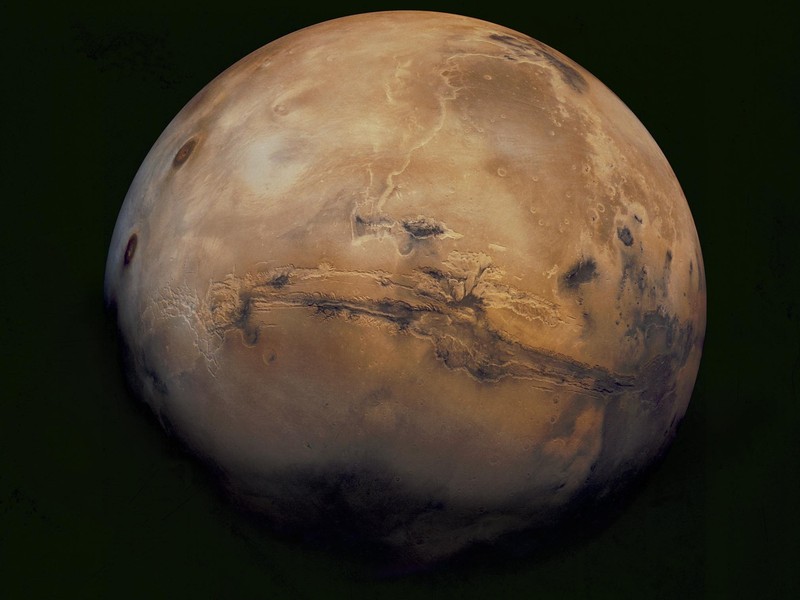
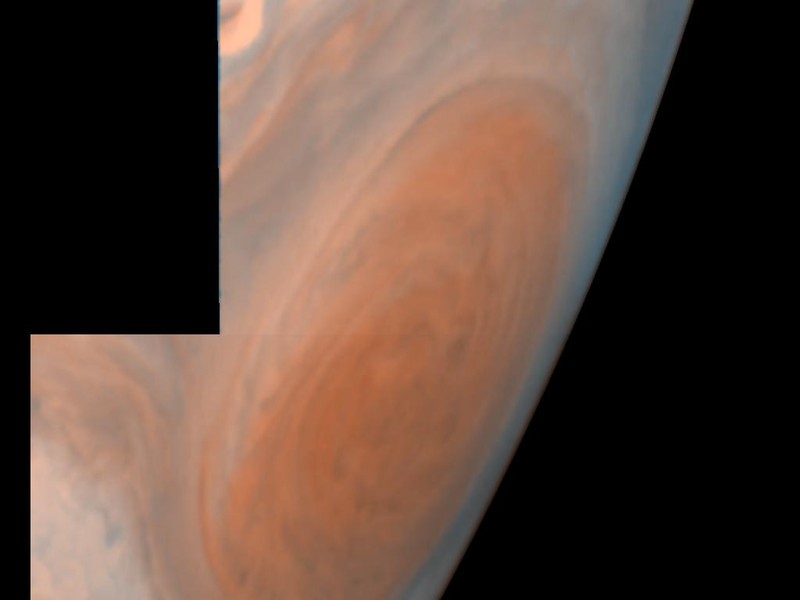
Download Information
Individual download pages provide verification details and availability information for each tool. Visit the Download Hub for comprehensive download guidance including checksums and safety verification.
Need Help Getting Started?
Check system requirements and compatibility notes on individual product pages.
Visit Download HubCompatibility Notes
These utilities were originally designed for Windows 98 through Windows 7. Compatibility varies on modern systems:
- Windows 10/11: Most tools run with compatibility mode settings
- Graphics: Modern OpenGL/DirectX drivers generally support legacy calls
- Screen Resolution: Some tools may require custom resolution settings
- Admin Rights: Running as administrator may be required for some features