Jupiter3D
Visualize Jupiter's dynamic atmosphere and its major moon system
Overview
Jupiter3D is a classic freeware visualization tool that visualize jupiter's dynamic atmosphere and its major moon system. The software provides real-time 3D rendering with intuitive controls, making it accessible for both educational demonstrations and personal exploration.
Key Features
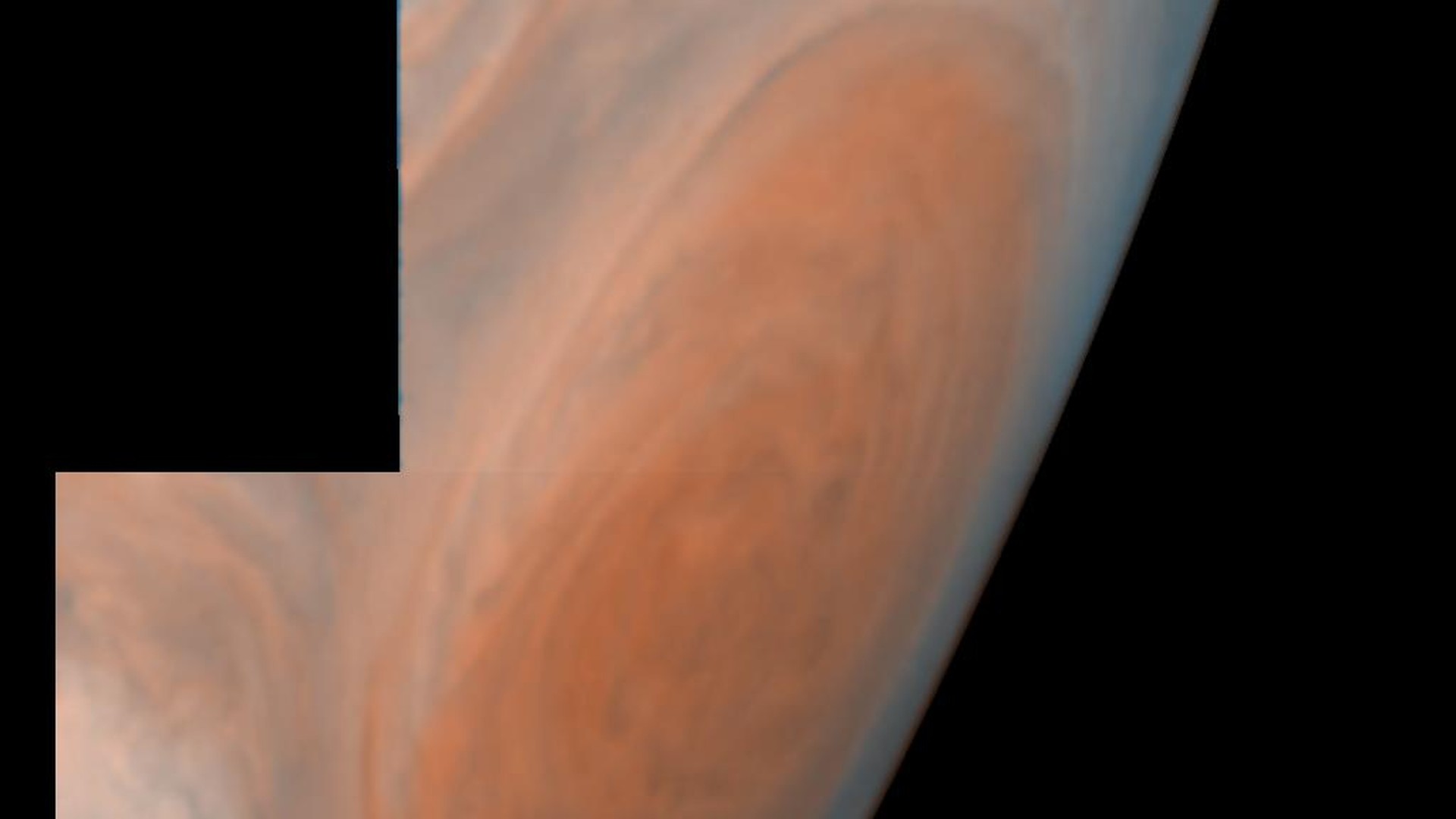
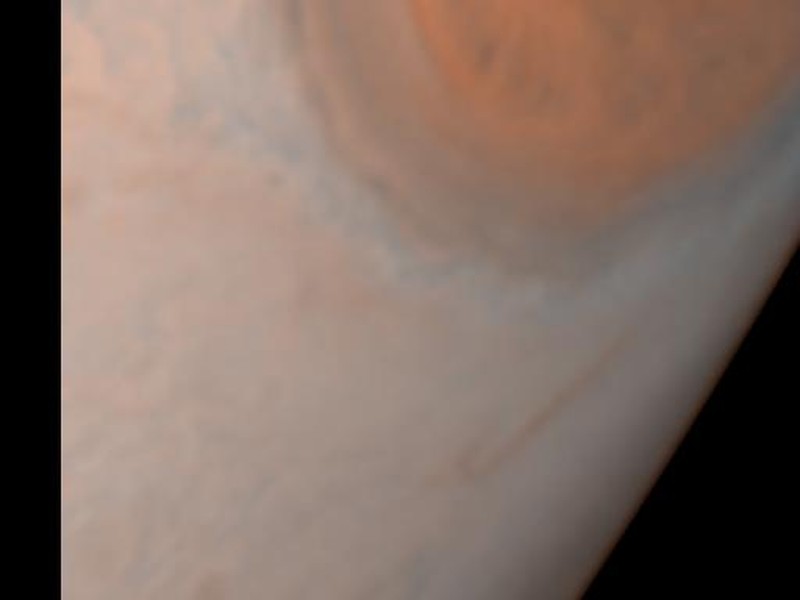
- Jupiter's cloud bands and atmospheric features
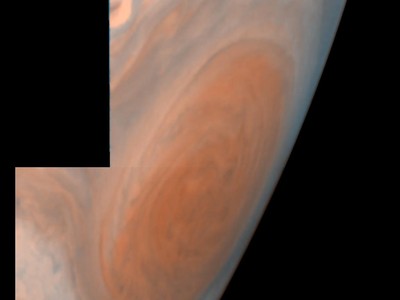
- Great Red Spot visualization
- Galilean moon positions
- Rotation animation
- Moon orbit paths
- Date-based accuracy
Typical Use Cases
Observing Jupiter's atmospheric dynamics
Tracking Galilean moon positions
Educational demonstrations of gas giant planets
Screenshots

System Requirements
Note: While originally designed for older Windows versions, Jupiter3D generally runs on Windows 10 and 11 using compatibility mode. Right-click the executable and select "Properties" > "Compatibility" to configure settings for your system.
Download
Download information including verification details and availability status is maintained on a separate page for safety and clarity.
jupiter3d.exe
Download information and verification details
Download Safety
Always verify file checksums before running executable files. See the download information page for verification instructions and expected hash values.
Frequently Asked Questions
Jupiter3D was originally designed for Windows 98/ME/2000/XP/Vista/7, but generally runs on modern Windows versions using compatibility mode. Right-click the executable, select Properties > Compatibility, and choose an appropriate Windows version. Some users report success running as administrator.
The original Jupiter3D freeware is safe when obtained from verified sources and checksum-verified. Always check file hashes against published checksums on the download information page. Avoid downloading from unverified third-party sites that may bundle additional software.
Yes, Jupiter3D was designed as freeware and is suitable for educational demonstrations, classroom use, and personal learning. The software is particularly useful for illustrating concepts in astronomy, planetary science, and 3D visualization.
Jupiter3D requires OpenGL-compatible graphics card. Most modern integrated and dedicated graphics cards support these older standards. If you experience graphics issues, ensure your graphics drivers are up to date.
This page documents the features and typical usage of Jupiter3D. Exact version history varies; this page documents the tool's features and usage based on available information. For specific questions, see the contact page.
Jupiter3D was developed specifically for Windows. Mac and Linux users may have success running it through Wine or other Windows compatibility layers, though performance and compatibility may vary.